
OBJECTIVE: This article provides instructions on how to view a schedule via web browser in MatrixCare.
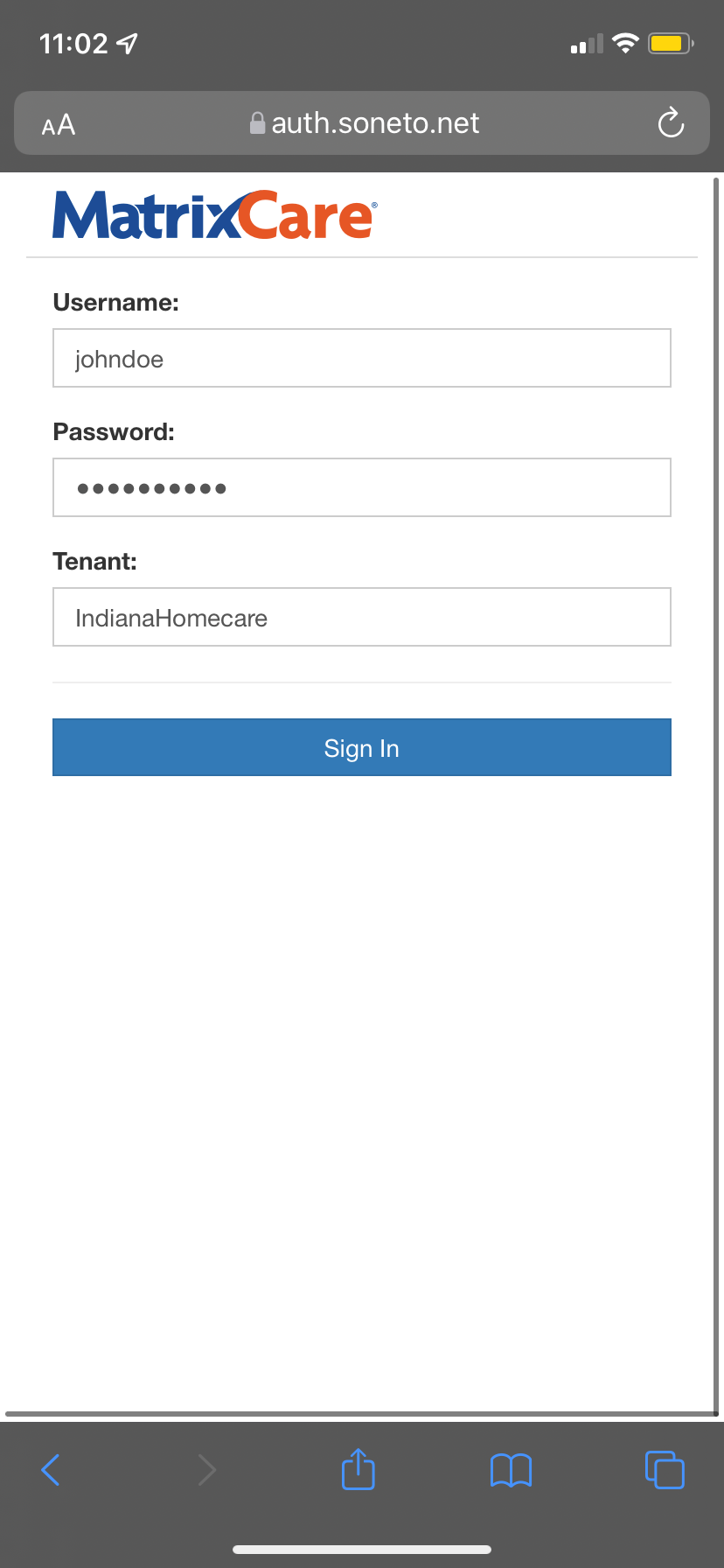
1. Navigate to: https://app.soneto.net/web/IndianaHomecare.
2. Enter your assigned Username and Password. Enter IndianaHomecare in the Tenant field and click Sign In.
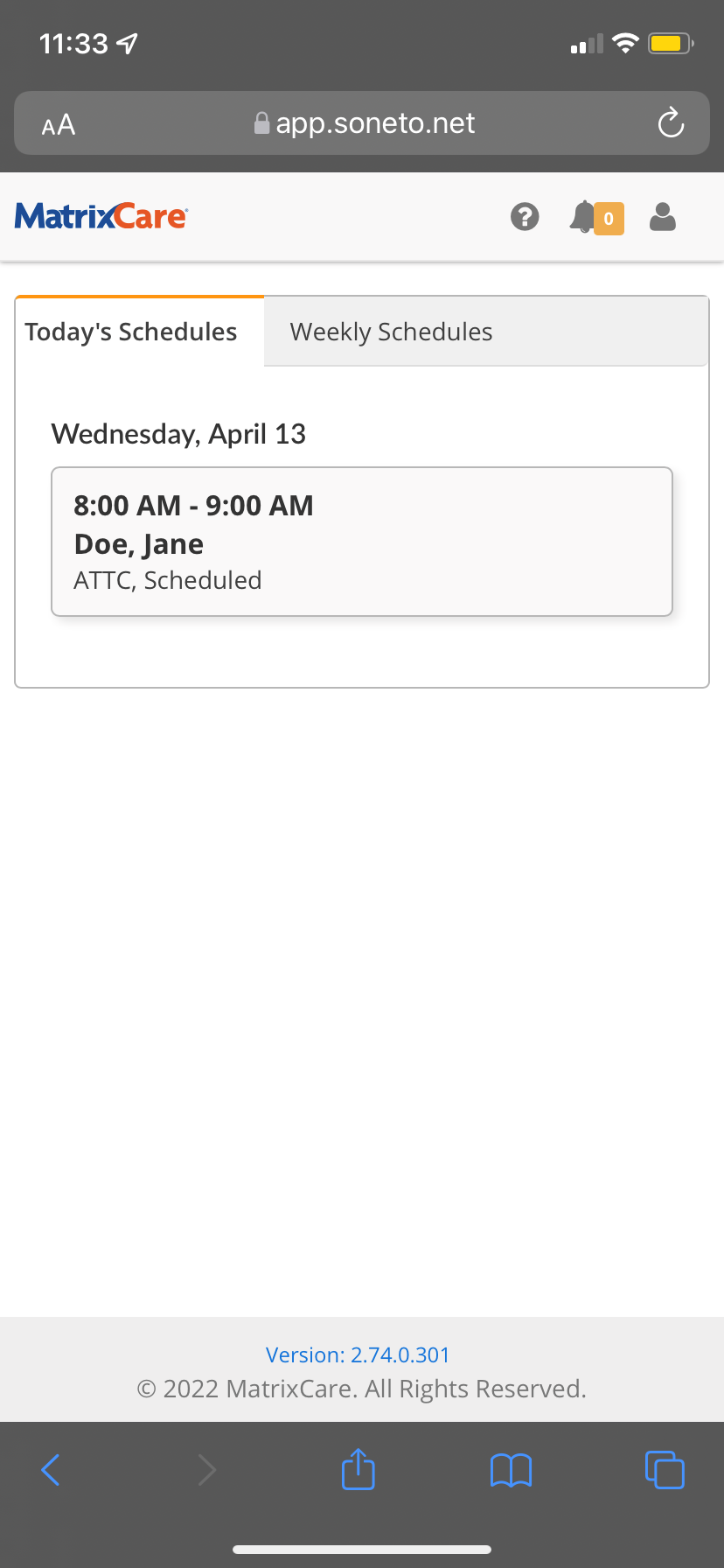
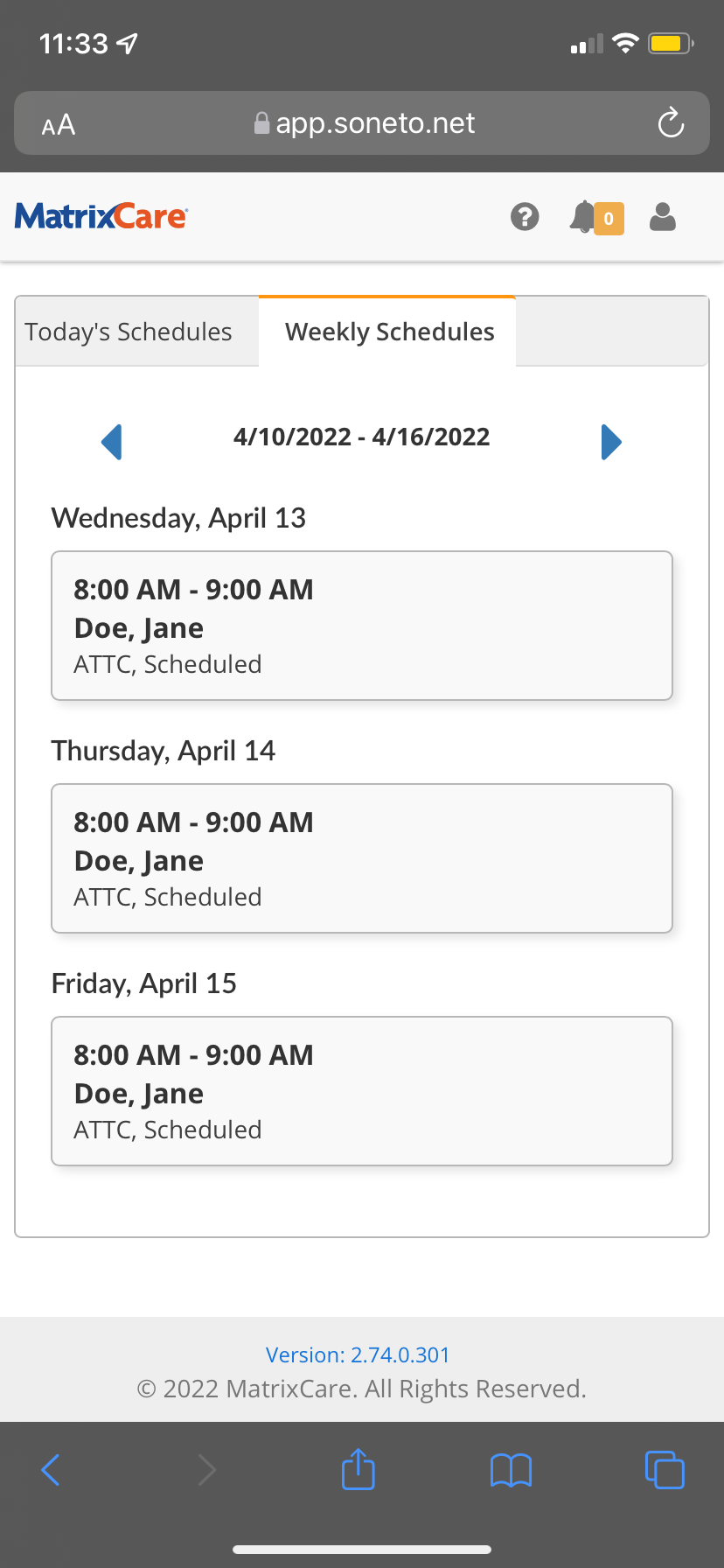
3. Under the main Dashboard, you will be able to see Today's Schedules and Weekly Schedules.
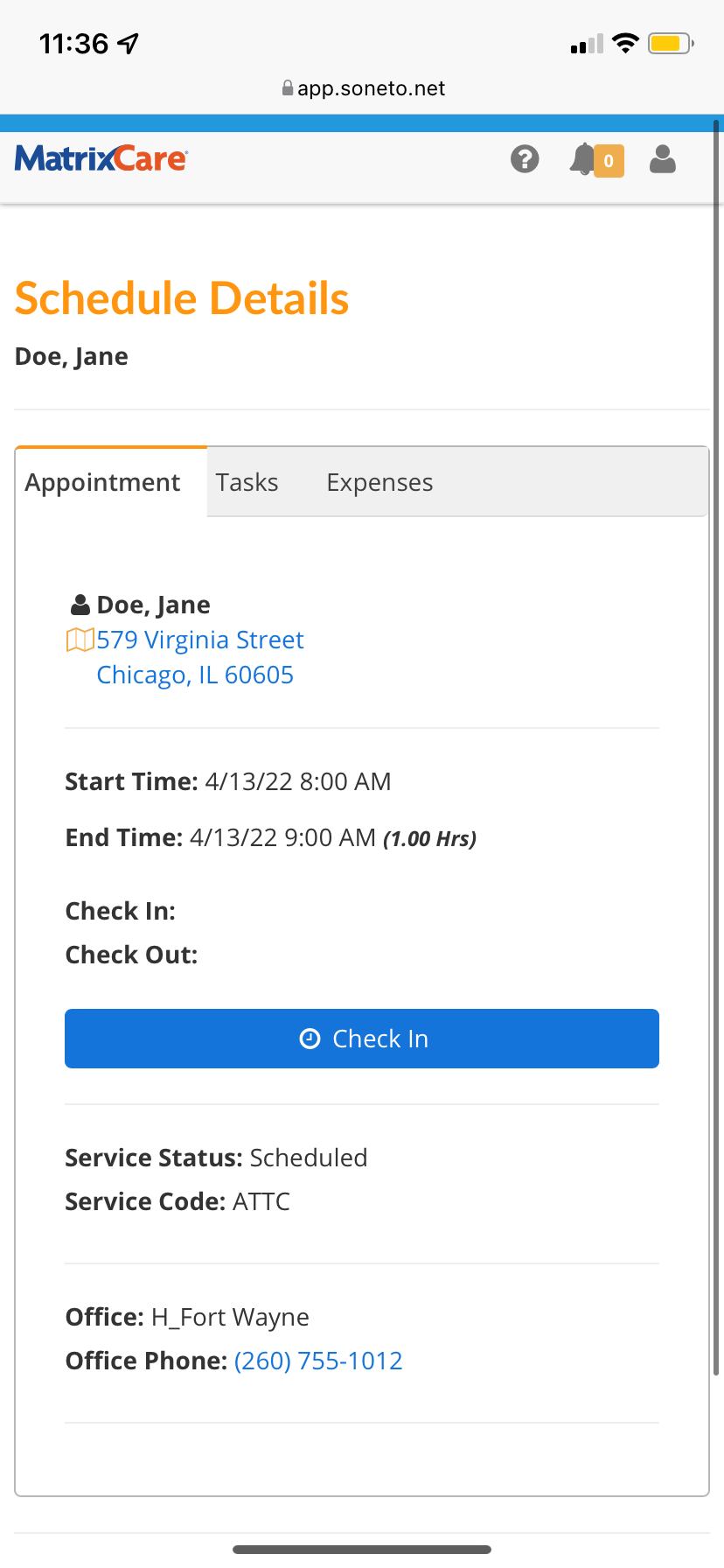
4. Click on the relevant shift to view more information on the client.
Source: Implementation Specialist